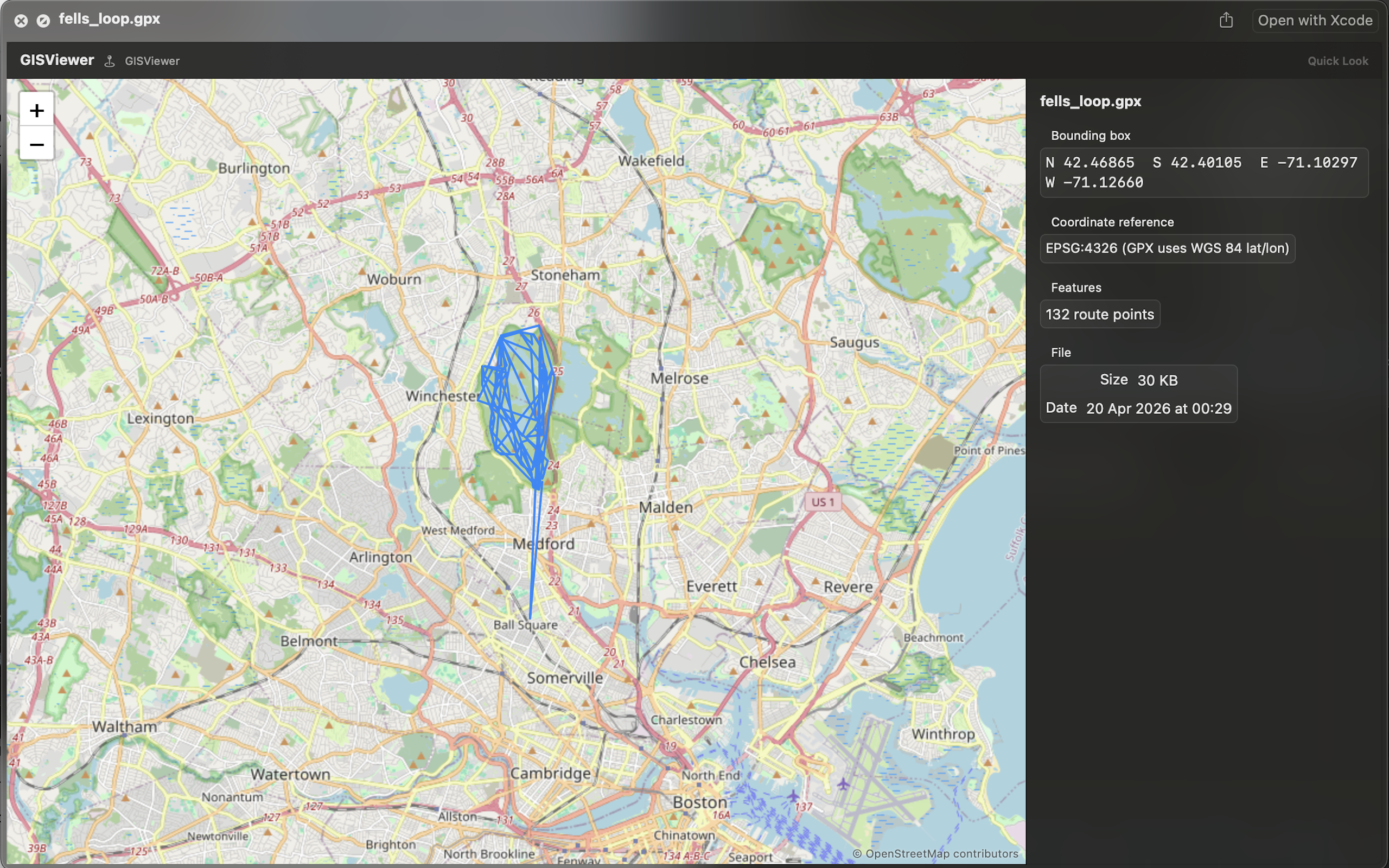
How GIS Quick Viewer works
GIS Quick Viewer brings professional geospatial previews to macOS Finder's Quick Look. Select a GeoJSON, KML, Shapefile, GPX, or KMZ file and press Space to see the map and inspect every feature's attributes instantly — no GIS software, no import step, no waiting. It's built natively in Swift, parses even complex datasets in milliseconds, and works entirely offline.
Is GIS Quick Viewer free?
No — it's a one-time $5.99 purchase on the Mac App Store, with no subscription.
Which spatial file formats does it support?
GeoJSON, KML, Shapefile, GPX, and KMZ — the formats GIS analysts actually work with day to day, natively, with no conversion needed.
Do I need GIS software installed to use it?
No. GIS Quick Viewer works standalone inside Finder's Quick Look — no ArcGIS, QGIS, or other software required just to check a file.
Can I inspect feature attributes, not just see the map?
Yes — Smart Attribute Inspection shows all metadata and properties of the features you're viewing, right alongside the map.