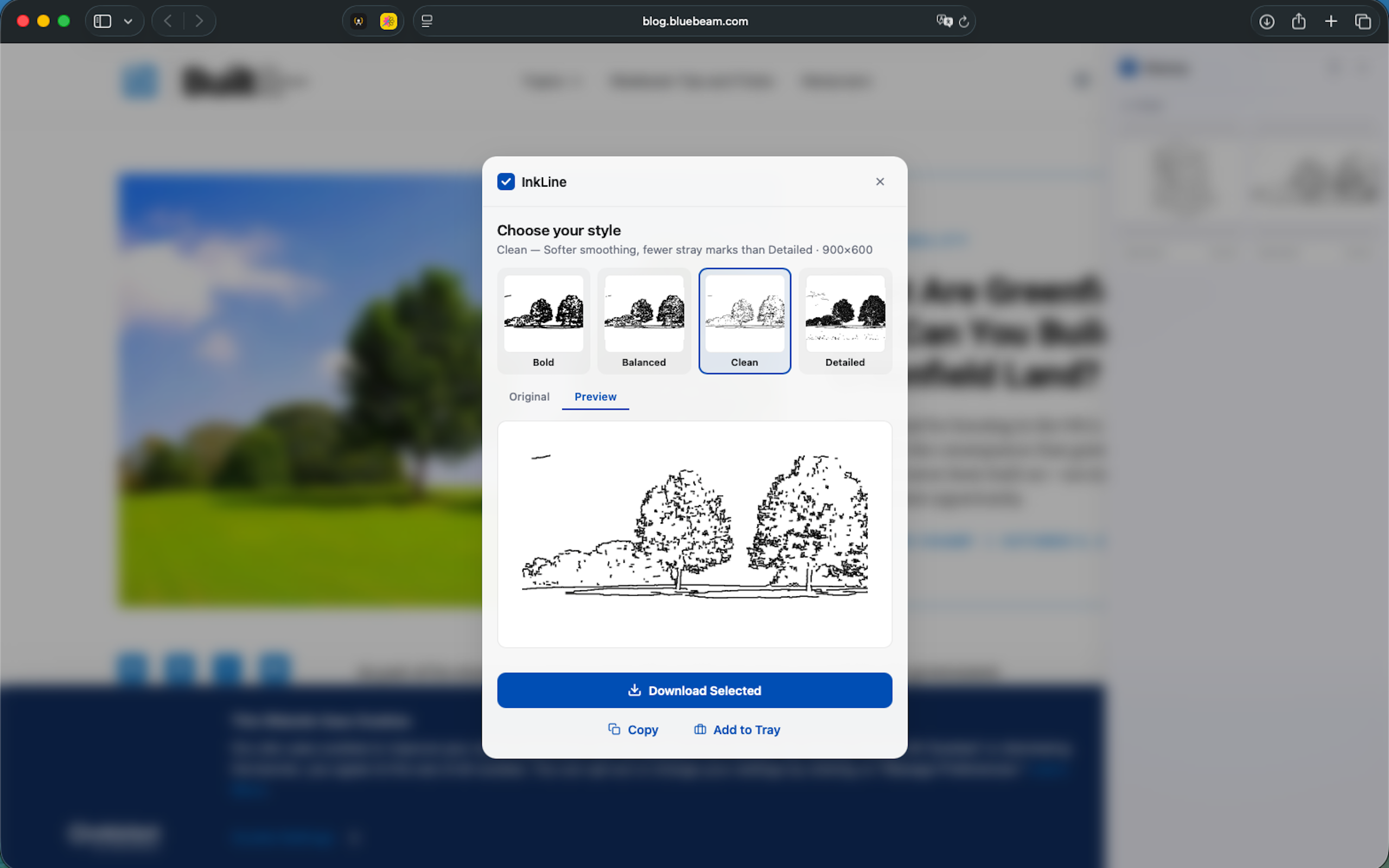
How InkLine works
InkLine turns any image on the web into clean line art — perfect for coloring pages, stencils, or creative projects. Click any image on a site to open InkLine, choose a style (Bold, Balanced, Clean, or Detailed), and preview the result side-by-side with the original before exporting. Everything runs on-device, and you can download, copy, or print the result at full resolution.
Is InkLine free?
Yes — InkLine is free for Safari and Chrome.
What styles can I choose from?
Bold, Balanced, Clean, or Detailed line detection, with a live side-by-side preview before you export.
Can I print the result directly?
Yes — export by downloading, copying to clipboard, or sending straight to your printer.
Does InkLine process images on a server?
No — conversion happens entirely on-device, so your images stay private.