Questions
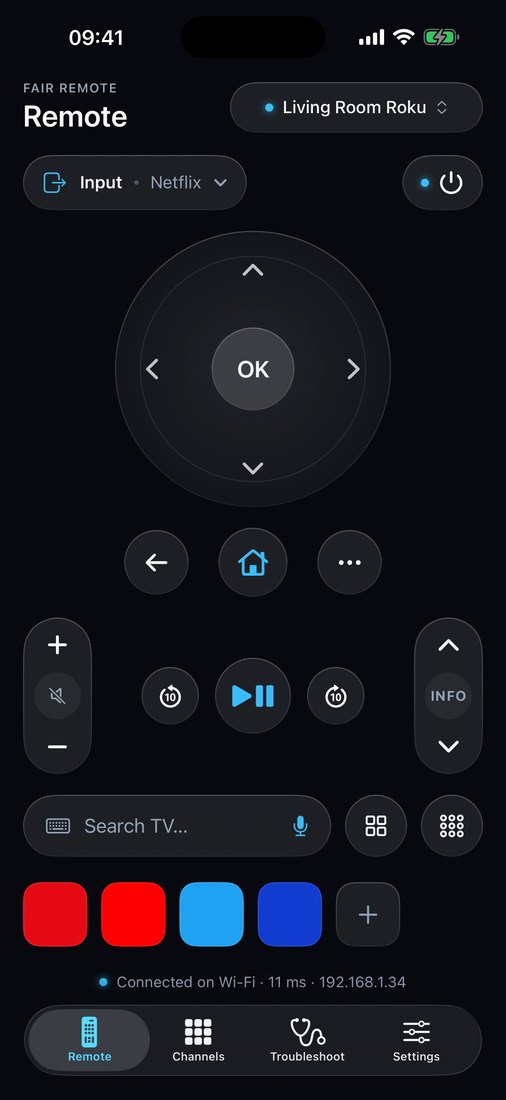
Fair Remote is a universal Wi-Fi TV remote for iPhone, iPhone Duo and iPad, built natively in Swift.
Is Fair Remote really free?
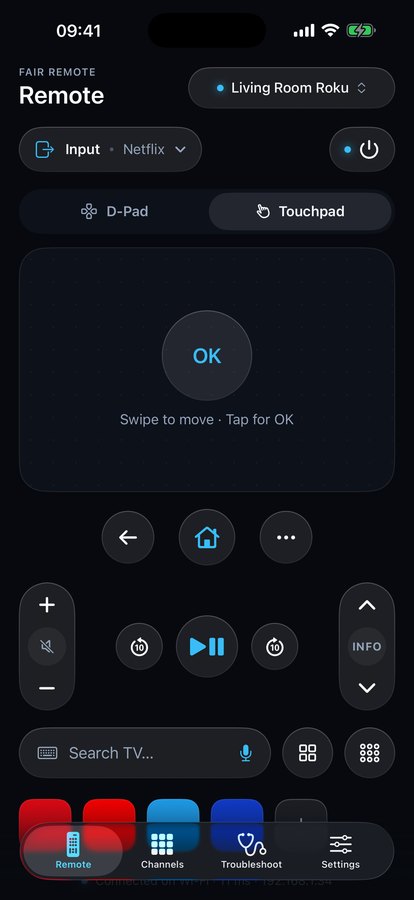
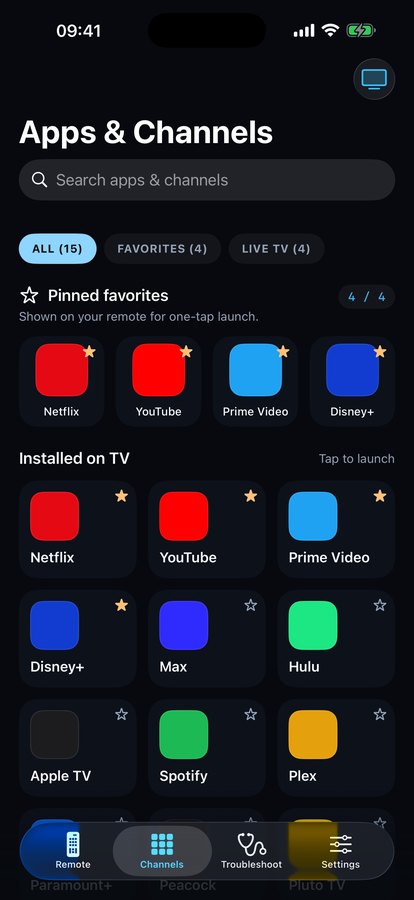
Yes. Every remote button, the touchpad, the keyboard and dictation, the app launcher, Live TV channels, two TVs and the troubleshooter are free forever, with no ads. The optional Full version is a one-time purchase with a free 7-day trial that never turns into a subscription.
Which TVs does Fair Remote work with?
Roku TVs and streaming sticks, Samsung smart TVs from 2016 and newer, LG webOS TVs, and Google TV or Android TV devices such as Sony, TCL, Hisense, Philips, Chromecast with Google TV and Google TV Streamer.
Why can't Fair Remote find my TV?
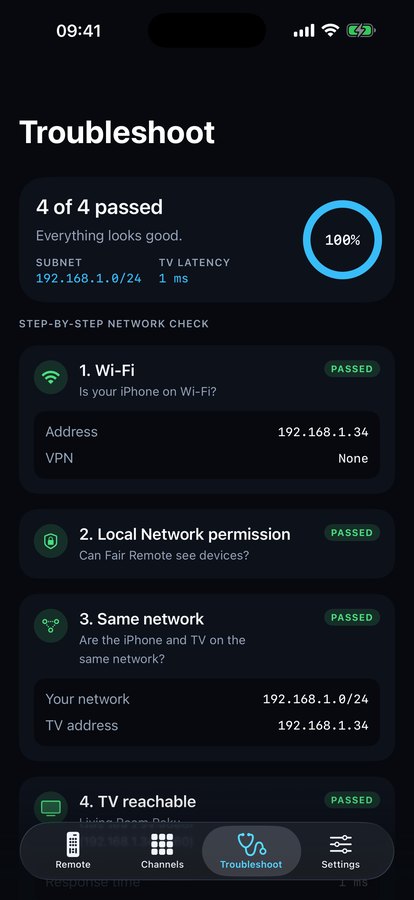
Your iPhone and TV must be on the same Wi-Fi network, and Local Network access must be allowed in iOS Settings. The built-in troubleshooter checks both, plus TV-specific settings like Roku's Control by mobile apps, and tells you exactly what to fix. You can also add a TV by IP address.
Does it work with older TVs without Wi-Fi?
No. iPhone has no infrared blaster, so Fair Remote only controls smart TVs and streaming devices on your Wi-Fi.
Does Fair Remote collect any data?
No. There is no account, no analytics and no tracking. Commands go straight from your iPhone to your TV and never leave your home network.
Fair Remote is an independent app and isn't affiliated with Roku, Samsung, LG or Google. All trademarks belong to their respective owners.