What is a source code file?
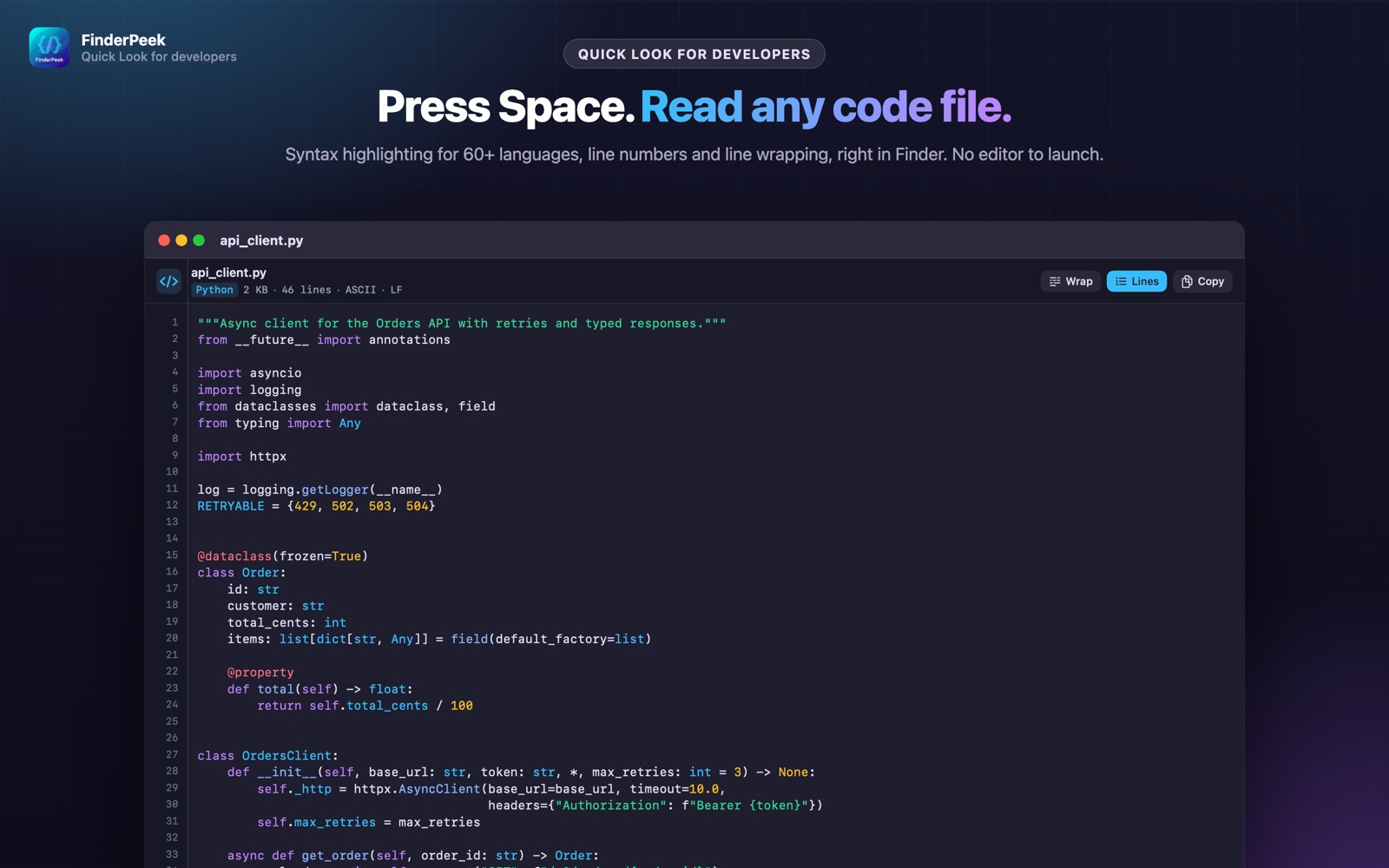
Quick Look shows most code files as plain, unhighlighted text — or refuses to preview them at all. Opening an IDE just to read one file is slow.
What you see with FinderPeek
- check_circleSyntax highlighting for 60+ languages: Swift, Python, JavaScript, Go, Rust, Kotlin, Java, C/C++, C#, Ruby, PHP, shell and more
- check_circleDockerfiles and Makefiles
- check_circleLine numbers and line wrapping
- check_circleLarge files and any text encoding
How to open source code files on your Mac
-
1
Install FinderPeek
Get it from the Mac App Store and open it once.
-
2
Turn on its viewers
In System Settings › General › Login Items & Extensions › Quick Look, enable the FinderPeek viewers you want. Use “Check a File” in the app to see which viewer handles a file.
-
3
Select a file and press Space
In Finder, click your source code file and press the Space bar to read it right away.
lock Everything happens on your Mac. FinderPeek never connects to the internet and collects no data.
Questions
How do I get syntax highlighting in Quick Look?
Install FinderPeek and enable its Code Viewer. Then select a source file in Finder and press Space.
Which languages are supported?
More than 60, including Swift, Python, JavaScript and JSX, Go, Rust, Kotlin, Java, C, C++, C#, Ruby, PHP, Lua, Dart, Scala and shell scripts.
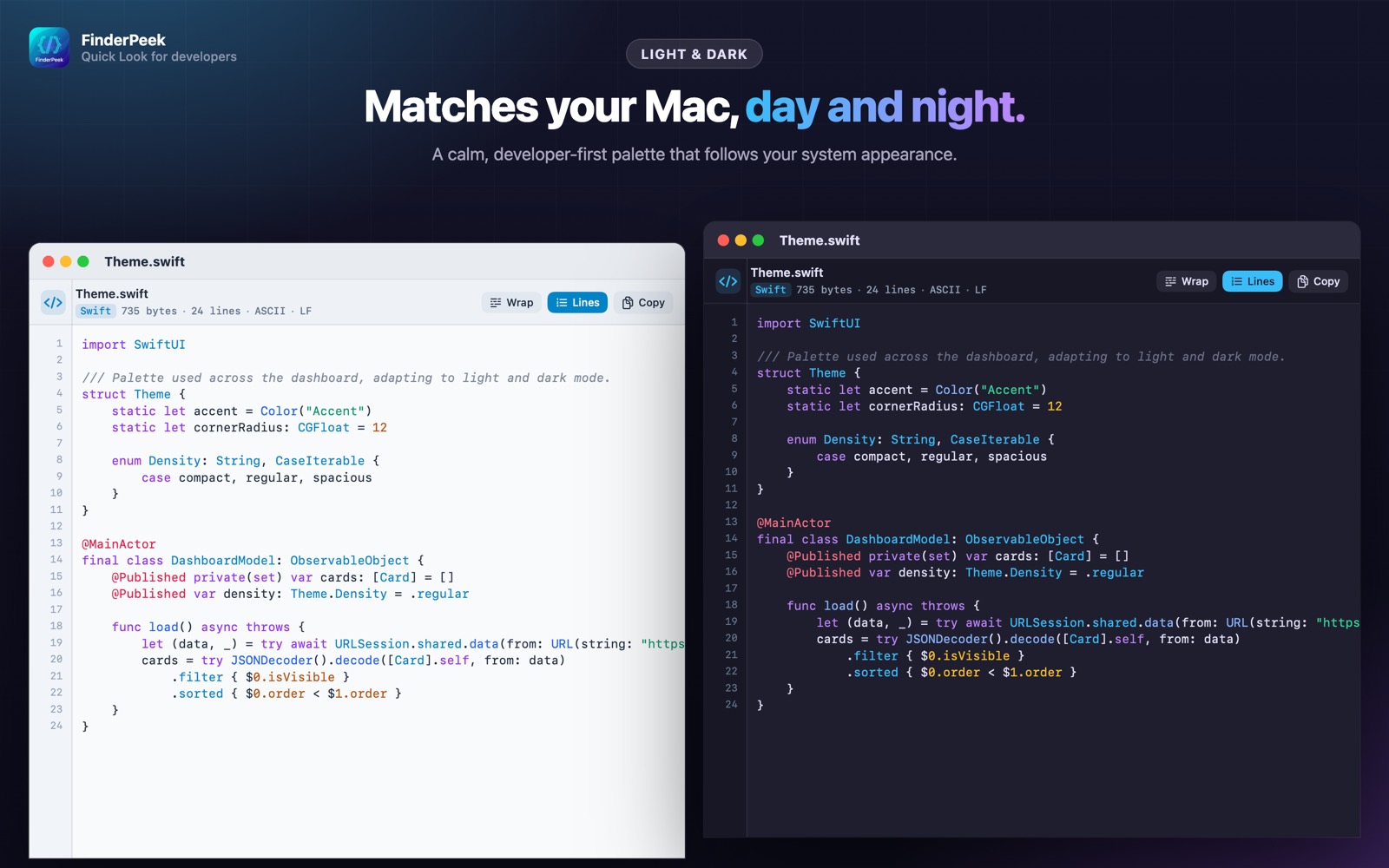
Does it follow dark mode?
Yes. The palette follows your system appearance.