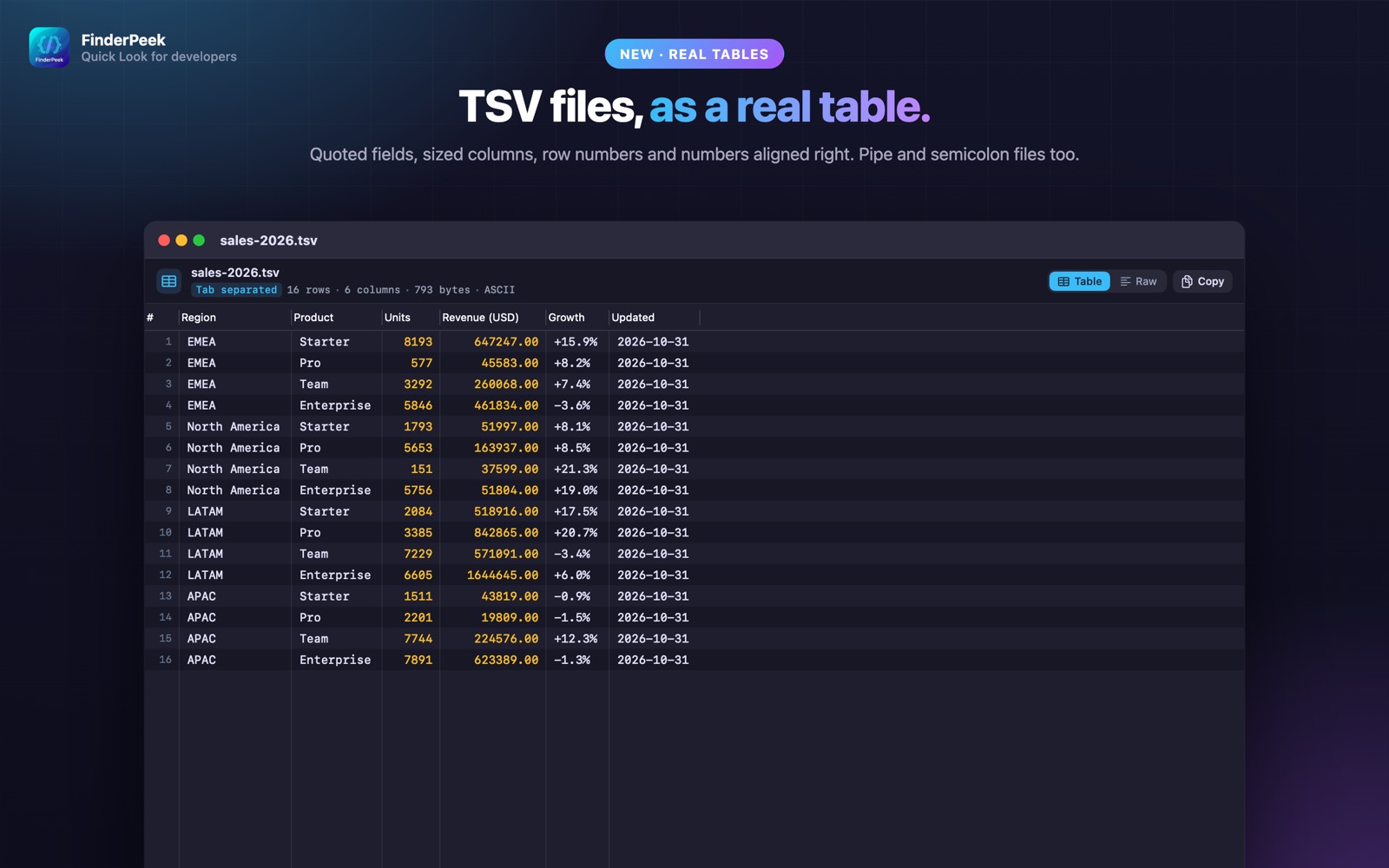
What is a TSV file?
TSV (tab-separated values) is a common export from databases, bioinformatics tools and spreadsheets. As plain text the columns never line up, which makes them hard to read.
What you see with FinderPeek
- check_circleTSV, PSV and SSV as a real table
- check_circleSized columns and row numbers
- check_circleLarge files stay fast
- check_circle100% on your Mac
How to open TSV files on your Mac
-
1
Install FinderPeek
Get it from the Mac App Store and open it once.
-
2
Turn on its viewers
In System Settings › General › Login Items & Extensions › Quick Look, enable the FinderPeek viewers you want. Use “Check a File” in the app to see which viewer handles a file.
-
3
Select a file and press Space
In Finder, click your TSV file and press the Space bar to read it right away.
lock Everything happens on your Mac. FinderPeek never connects to the internet and collects no data.
Questions
How do I preview a TSV file on a Mac?
Install FinderPeek, enable its Table Viewer, then select the .tsv file in Finder and press Space.
What about CSV files?
macOS previews CSV with its own built-in viewer. For SQL queries on CSV, see Quick Data Insights.
Which separators are supported?
Tab (TSV), pipe (PSV) and semicolon/space-separated (SSV) files.