What is a YAML file?
YAML is the configuration language of Kubernetes, Docker Compose, GitHub Actions, Ansible and many more. Indentation matters, so deeply nested files are hard to scan as plain text.
What you see with FinderPeek
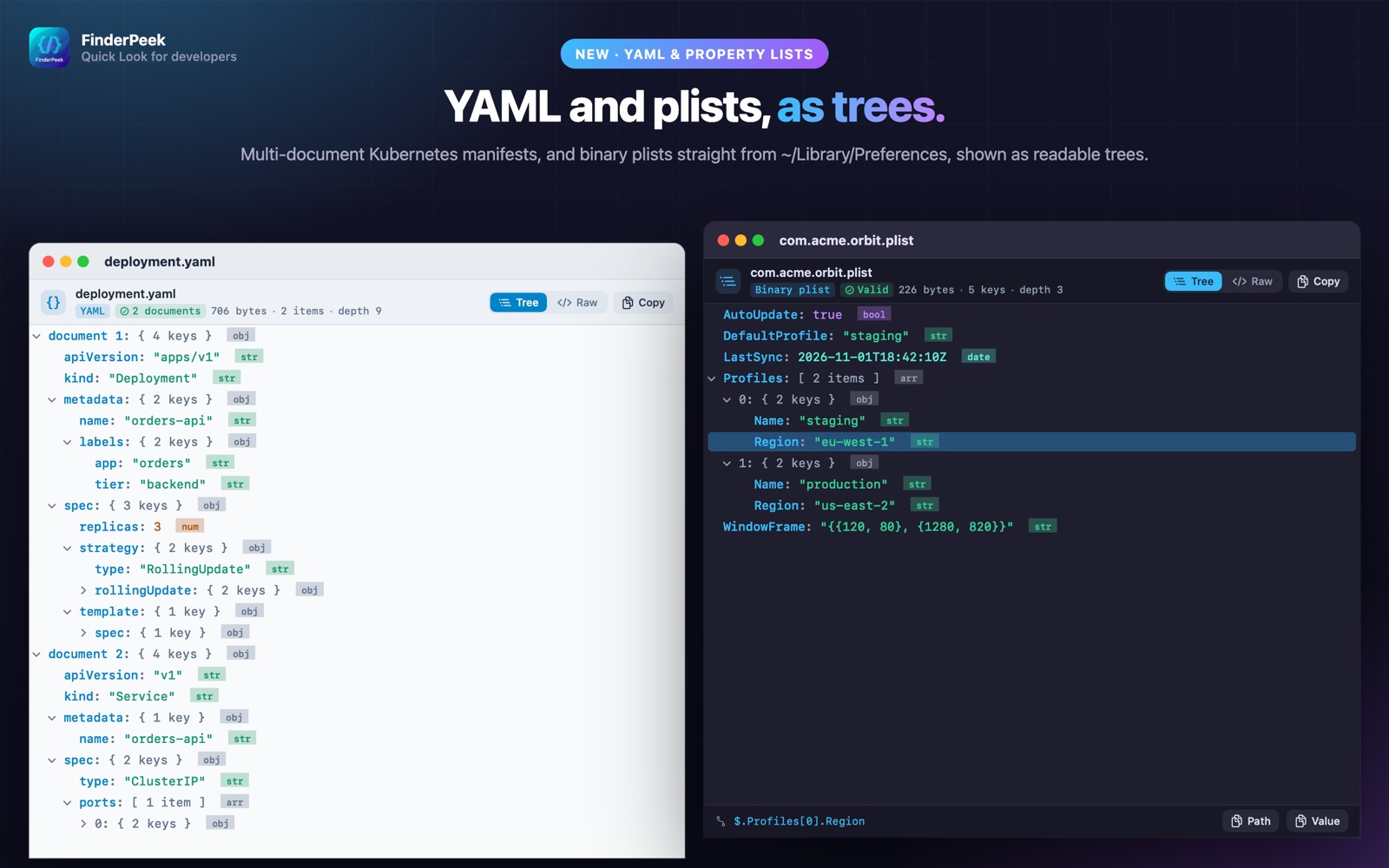
- check_circleYAML as a collapsible tree
- check_circleMulti-document YAML (--- separators) supported
- check_circleCopy any value or its path
- check_circleRaw view with syntax highlighting
How to open YAML files on your Mac
-
1
Install FinderPeek
Get it from the Mac App Store and open it once.
-
2
Turn on its viewers
In System Settings › General › Login Items & Extensions › Quick Look, enable the FinderPeek viewers you want. Use “Check a File” in the app to see which viewer handles a file.
-
3
Select a file and press Space
In Finder, click your YAML file and press the Space bar to read it right away.
lock Everything happens on your Mac. FinderPeek never connects to the internet and collects no data.
Questions
How do I preview a YAML file on a Mac?
Install FinderPeek, enable its Data Viewer, select the .yaml or .yml file in Finder and press Space.
Are files with multiple YAML documents supported?
Yes. Each document appears in the tree.
Is my config sent anywhere?
No. FinderPeek never connects to the internet.