What is a JSON Lines file?
JSON Lines (also called NDJSON) stores one JSON object per line. It's the standard for logs, event streams, ML datasets and API exports because it can be appended to and streamed — but it's hard to read as plain text.
What you see with Quick Data Insights
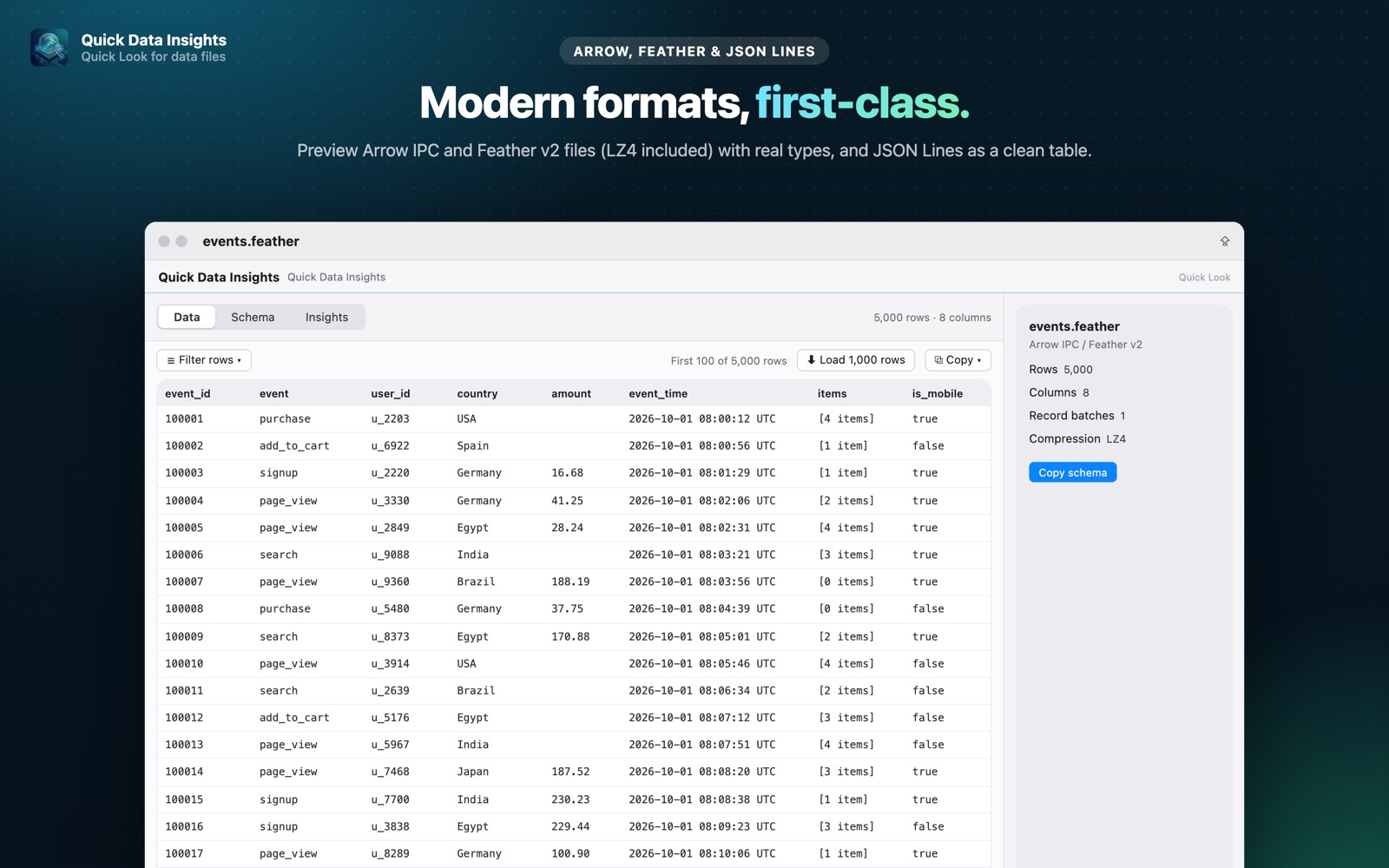
- check_circleRecords shown as a table, with keys as columns (Pro)
- check_circleLoad more rows, sort columns and copy what you see (Pro)
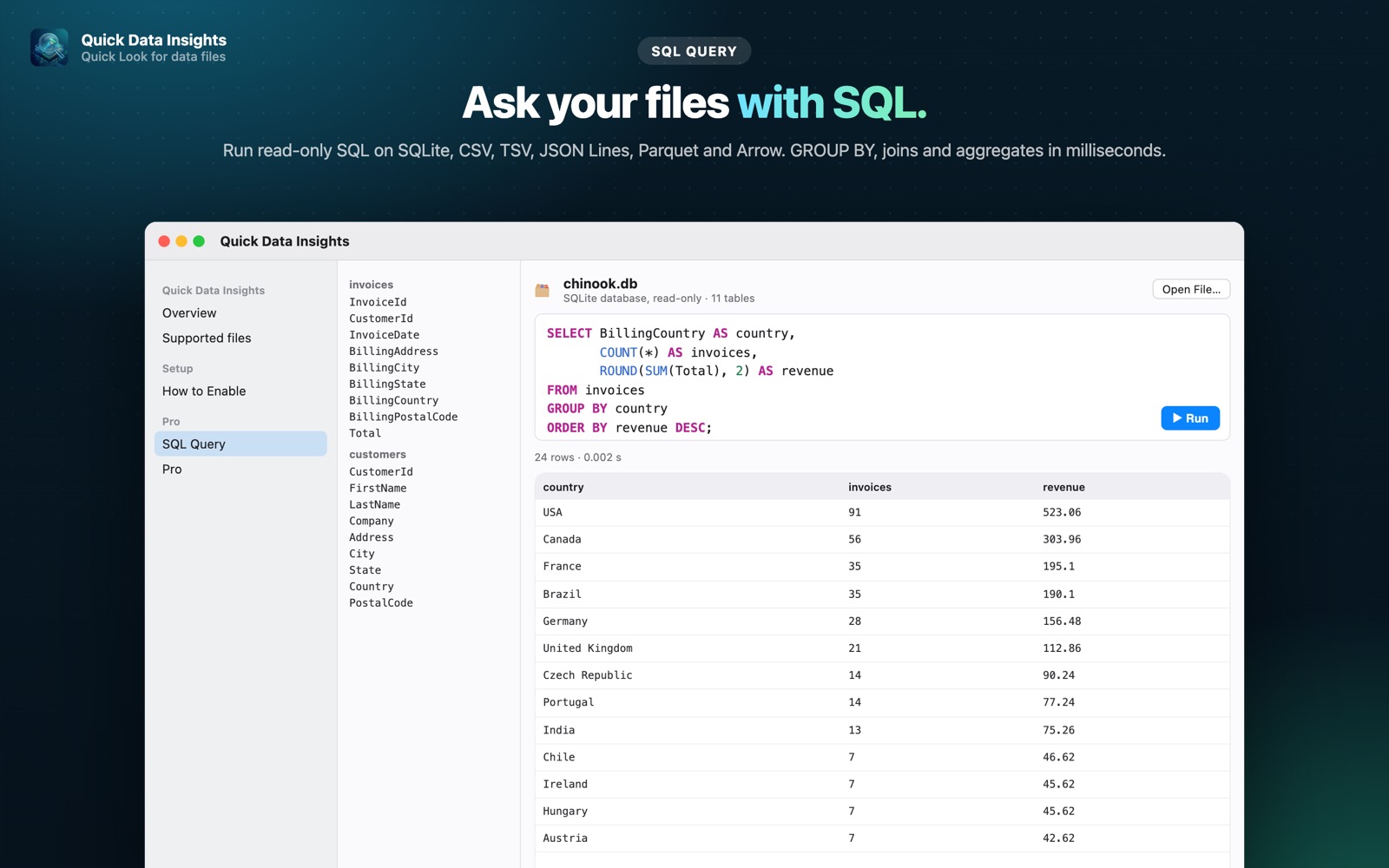
- check_circleQuery the file with read-only SQL in the app (Pro)
- check_circleRead-only and 100% local
How to open JSON Lines files on your Mac
-
1
Install Quick Data Insights
Get it from the Mac App Store and launch it once.
-
2
Enable the extension
Open System Settings › General › Login Items & Extensions › Quick Look and switch on Quick Data Insights.
-
3
Select a file and press Space
In Finder, click your JSON Lines file and press the Space bar to see its data, schema and more.
lock Everything runs on your Mac. Files are opened read-only, with no network access, no analytics and no account.
Questions
How do I view a .jsonl file on a Mac?
Install Quick Data Insights, select the file in Finder and press Space to see the records as a table.
Can I filter or aggregate JSON Lines data?
Yes. Open the file in the SQL Query window and run read-only SQL such as WHERE, GROUP BY and aggregates.
What's the difference between JSONL and NDJSON?
They're the same idea: newline-delimited JSON, one record per line. Both extensions are supported.