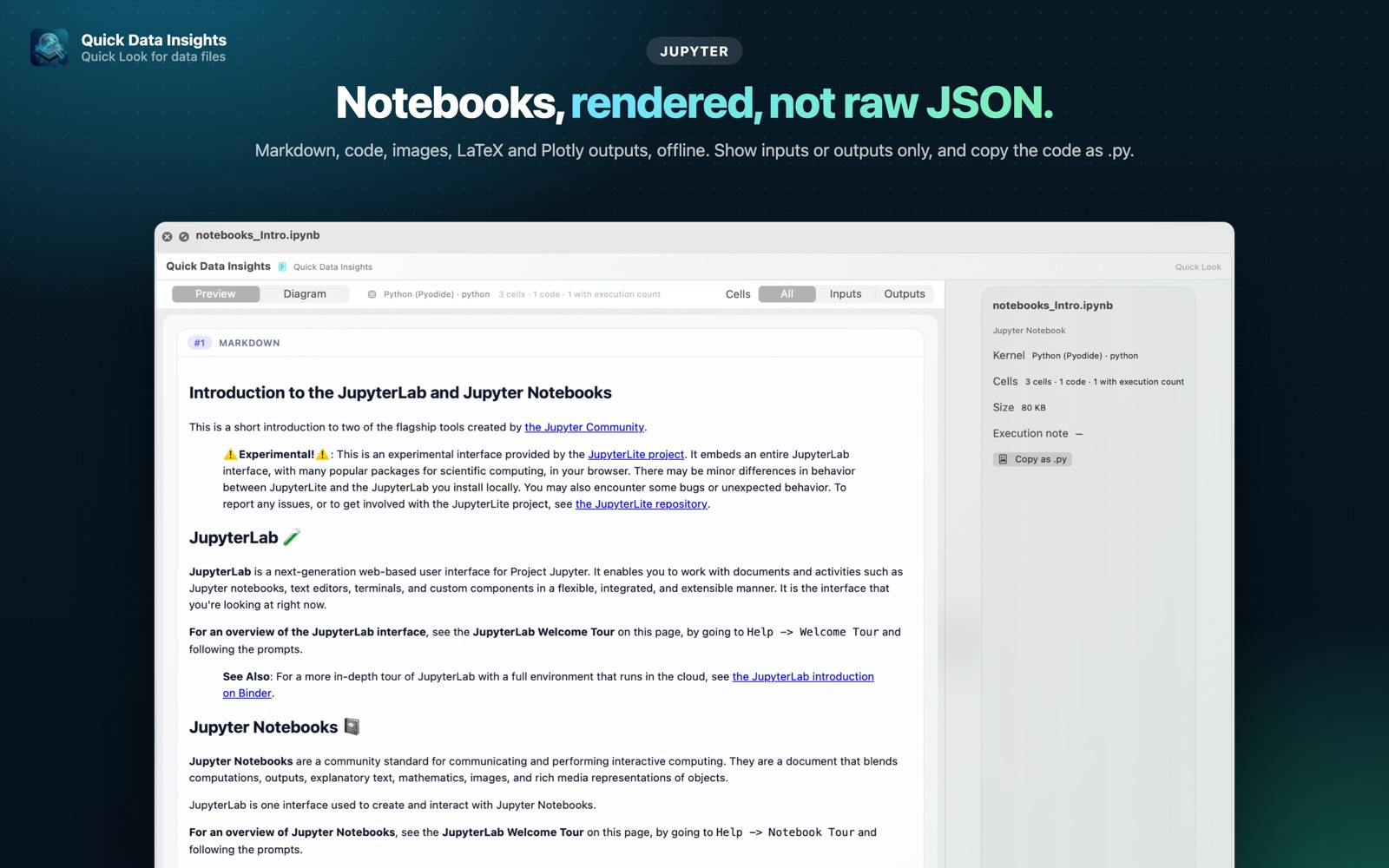
What is a Jupyter notebook file?
Jupyter notebooks (.ipynb) mix code, results and narrative text. Under the hood they are JSON files, so without Jupyter, VS Code or a running server you usually just see a wall of JSON.
What you see with Quick Data Insights
- check_circleMarkdown, code cells, images, LaTeX and Plotly outputs rendered
- check_circleShow inputs only or outputs only
- check_circleCopy the notebook's code as a .py script
- check_circleLight and dark mode
How to open Jupyter notebook files on your Mac
-
1
Install Quick Data Insights
Get it from the Mac App Store and launch it once.
-
2
Enable the extension
Open System Settings › General › Login Items & Extensions › Quick Look and switch on Quick Data Insights.
-
3
Select a file and press Space
In Finder, click your Jupyter notebook file and press the Space bar to see its data, schema and more.
lock Everything runs on your Mac. Files are opened read-only, with no network access, no analytics and no account.
Questions
How do I open an .ipynb file on a Mac without Jupyter?
Install Quick Data Insights, select the notebook in Finder and press Space to see it rendered.
Does it run the code?
No. It renders the notebook as saved, including its stored outputs. Nothing is executed.
Can I extract the code?
Yes. You can copy all code cells as a Python script.