What is a Parquet file?
Apache Parquet is a columnar file format used across the data stack — Spark, pandas, Polars, DuckDB, BigQuery and data lakes. It is compressed and efficient, but it's binary, so you can't just open it in a text editor.
What you see with Quick Data Insights
- check_circleSchema, row groups and writer metadata
- check_circleThe first 100 rows, filterable by column value
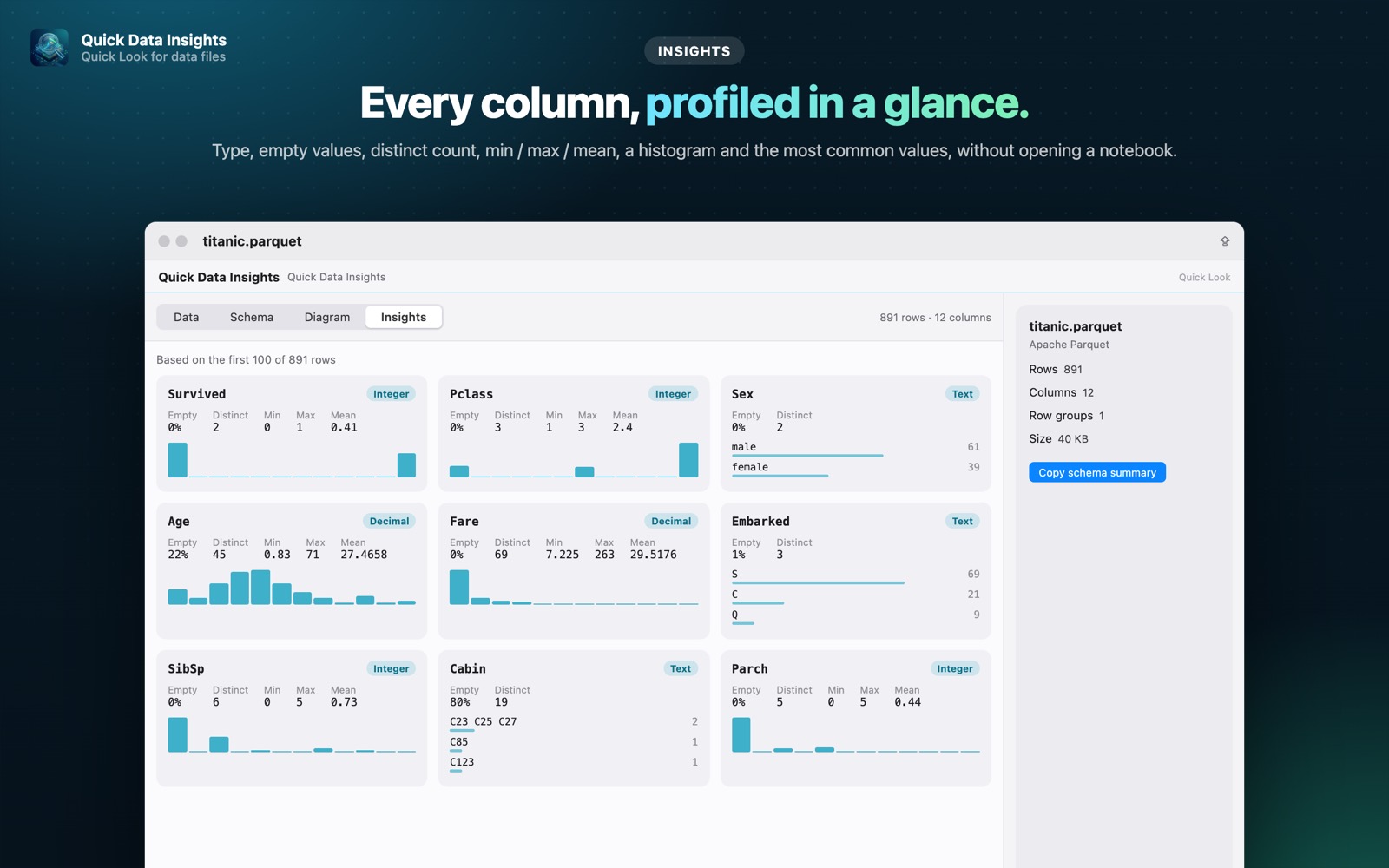
- check_circleInsights: per-column type, empty values, distinct count, min / max / mean, histogram (Pro)
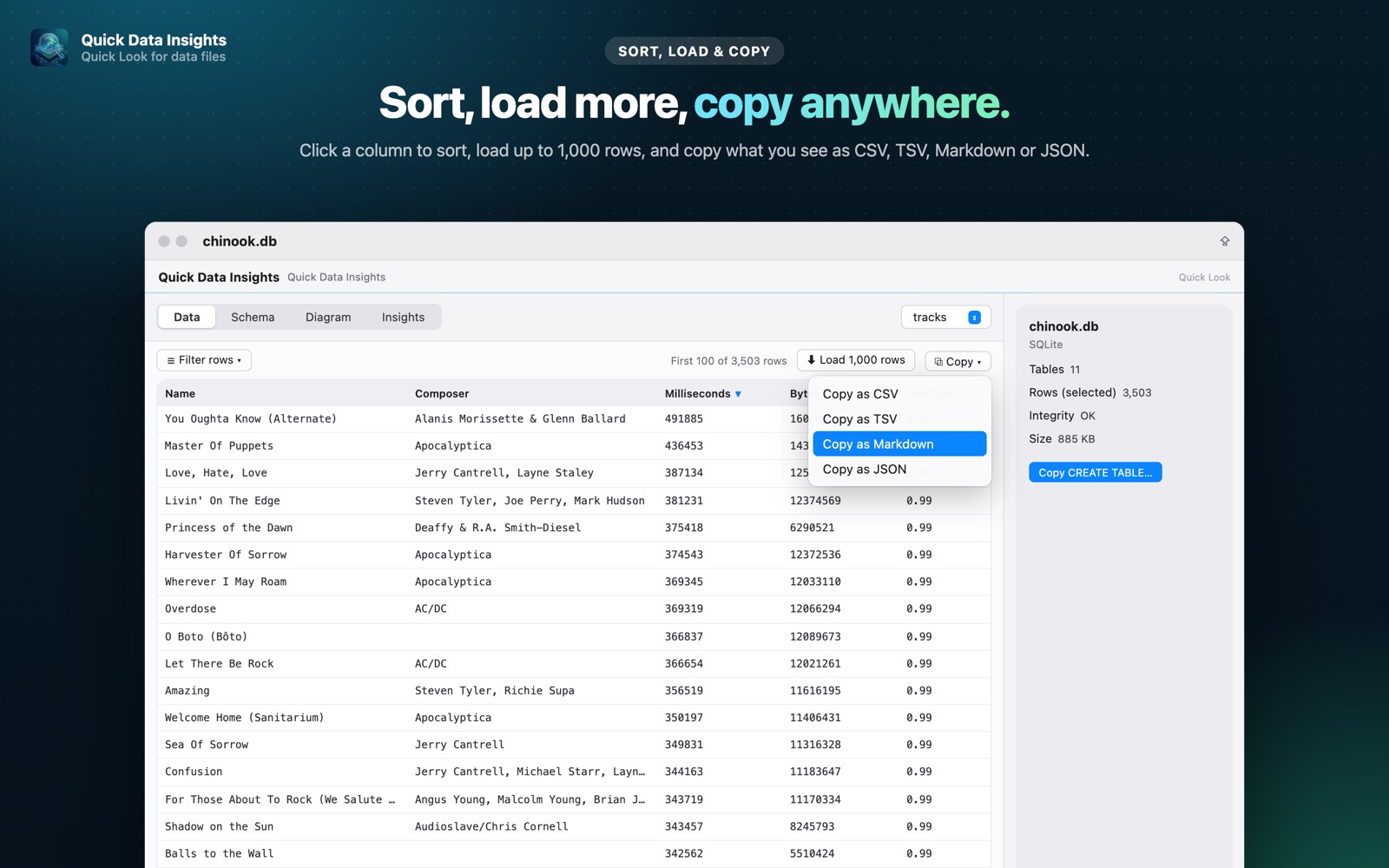
- check_circleSort, load up to 1,000 rows and copy as CSV, TSV, Markdown or JSON (Pro)
How to open Parquet files on your Mac
-
1
Install Quick Data Insights
Get it from the Mac App Store and launch it once.
-
2
Enable the extension
Open System Settings › General › Login Items & Extensions › Quick Look and switch on Quick Data Insights.
-
3
Select a file and press Space
In Finder, click your Parquet file and press the Space bar to see its data, schema and more.
lock Everything runs on your Mac. Files are opened read-only, with no network access, no analytics and no account.
Questions
How do I view a Parquet file on a Mac without Python?
Install Quick Data Insights, select the .parquet file in Finder and press Space. No Python, pandas or notebook required.
Will large Parquet files be slow?
No. Metadata and rows are read efficiently from the file footer, so even big files open quickly.
Can I query a Parquet file with SQL?
Yes. The SQL Query window loads Parquet files into a table you can query with read-only SQL (Pro).