What is a GeoJSON / GeoPackage file?
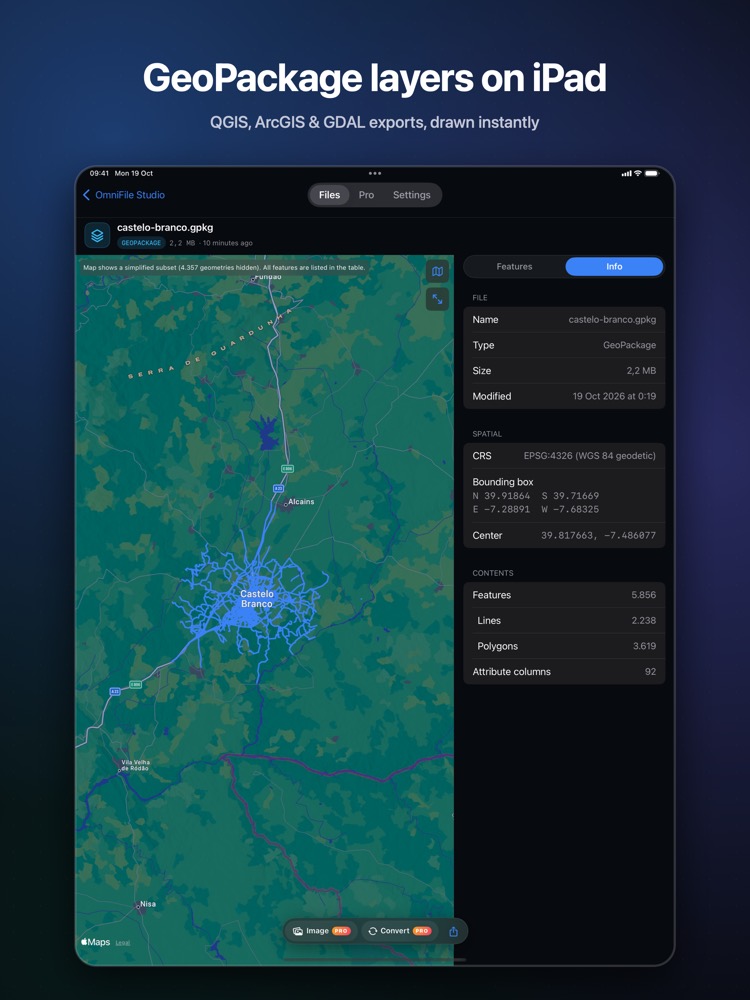
GeoJSON is the JSON format for geographic features used by web maps and APIs; GeoPackage is the OGC single-file database format that QGIS uses by default. Both are common deliverables in GIS work.
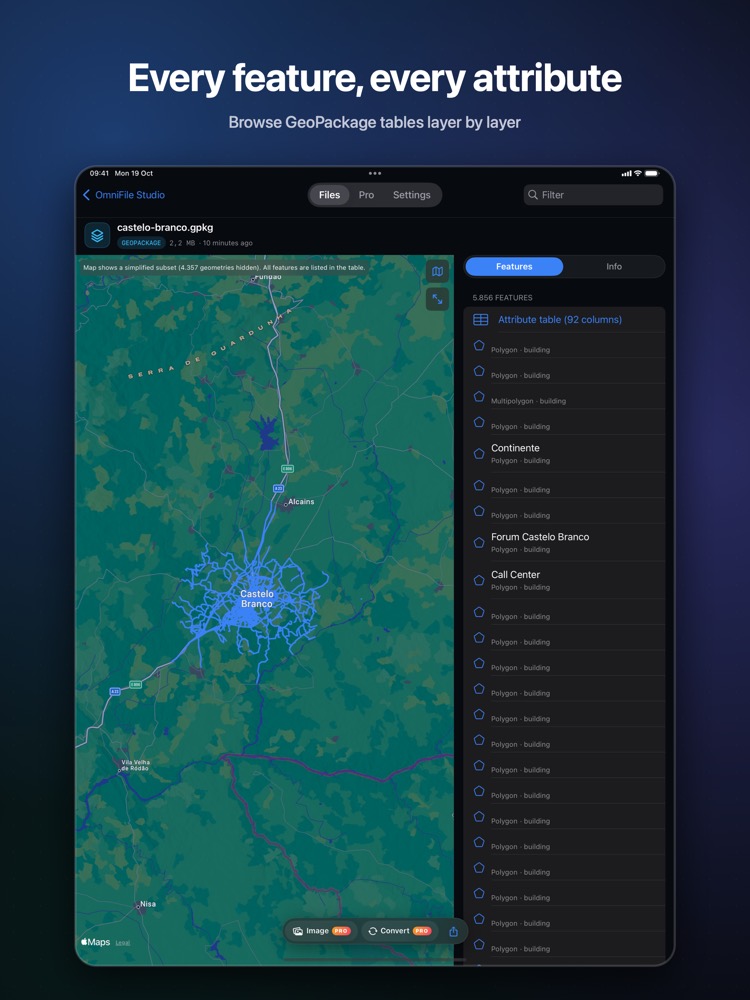
What you see with OmniFile Studio
- check_circleGeoJSON and GeoPackage layers on Apple Maps
- check_circleEvery attribute for every feature
- check_circleQuick Look previews in Files, Mail and Messages
- check_circleExport features to CSV (Pro)
How to open GeoJSON / GeoPackage files on your iPhone & iPad
-
1
Install OmniFile Studio
Get it free from the App Store on your iPhone or iPad.
-
2
Open or share the file
Tap the file in Files, or use the share sheet in Mail, WhatsApp, Safari or AirDrop and pick Quick View or Open in OmniFile Studio.
-
3
Explore it
Your GeoJSON / GeoPackage file opens in a dedicated viewer, read entirely on your device.
lock Files are read on your device and never uploaded. No accounts, no analytics, no tracking.
Questions
Can I open a GeoPackage on an iPad?
Yes. Install OmniFile Studio and open the .gpkg from Files or the share sheet.
Does it show feature attributes?
Yes. Each feature's attributes are listed.
Is anything uploaded?
No. Files are read on your device.
More OmniFile Studio guides
Open GPX on iPhone
arrow_forward
Open FIT on iPhone
arrow_forward
Open KML / KMZ on iPhone
arrow_forward
Open SQLite on iPhone
arrow_forward
Open Excel on iPhone
arrow_forward
Open CSV on iPhone
arrow_forward
Open JSON on iPhone
arrow_forward
Open EML on iPhone
arrow_forward
Open Markdown on iPhone
arrow_forward
Open YAML on iPhone
arrow_forward
Open log on iPhone
arrow_forward
Open Arrow / Feather on iPhone
arrow_forward