What is a GPX file?
GPX is the universal GPS format exported by Strava, Garmin, Komoot, AllTrails and almost every GPS device. iOS can't show a GPX track on its own — tapping one in Files just shows raw XML or nothing.
What you see with OmniFile Studio
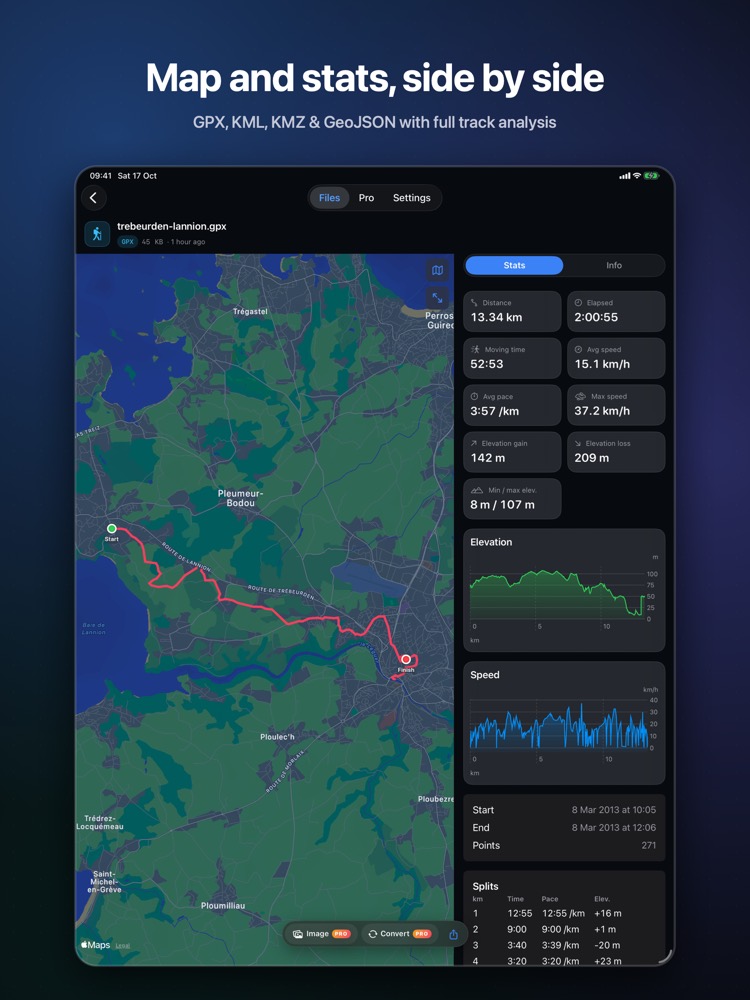
- check_circleTracks, routes and waypoints on Apple Maps: Standard, Satellite, Hybrid, 3D
- check_circleDistance, elapsed and moving time, pace and speed, climb and descent
- check_circleElevation and speed charts, per-km or per-mile splits
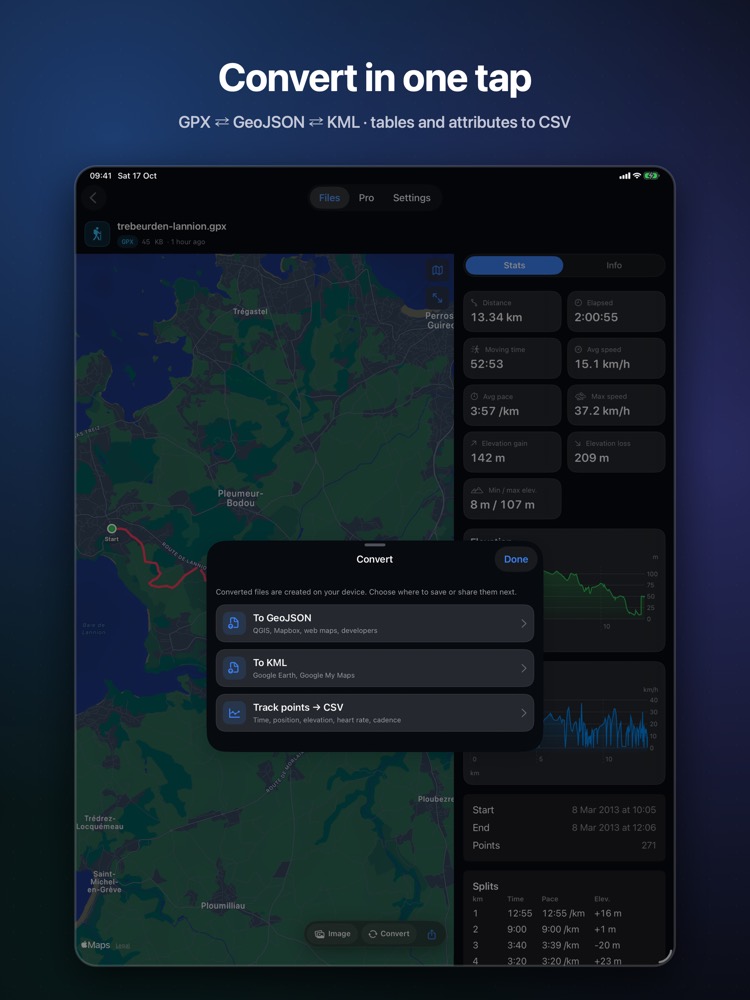
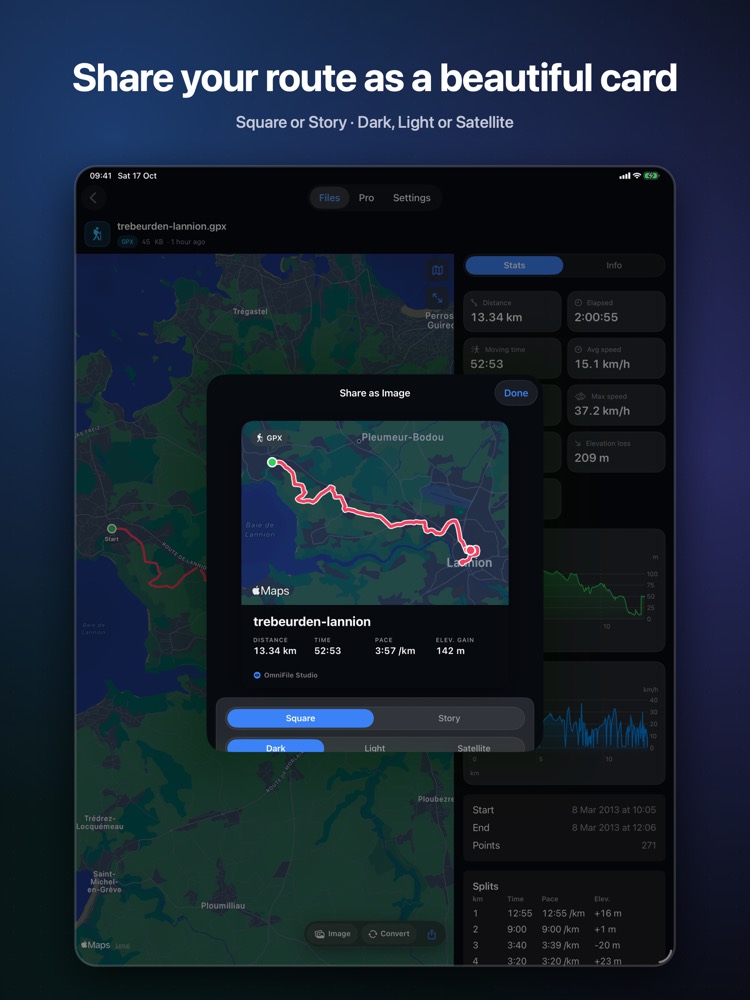
- check_circleConvert GPX to GeoJSON, KML or CSV and share as an image card (Pro)
How to open GPX files on your iPhone & iPad
-
1
Install OmniFile Studio
Get it free from the App Store on your iPhone or iPad.
-
2
Open or share the file
Tap the file in Files, or use the share sheet in Mail, WhatsApp, Safari or AirDrop and pick Quick View or Open in OmniFile Studio.
-
3
Explore it
Your GPX file opens in a dedicated viewer, read entirely on your device.
lock Files are read on your device and never uploaded. No accounts, no analytics, no tracking.
Questions
How do I open a GPX file on my iPhone?
Install OmniFile Studio, then tap the GPX file in Files or share it from Mail, WhatsApp or AirDrop to OmniFile Studio.
Is it free?
Viewing is free. Pro (a one-time purchase) adds conversion, share-as-image, SQL and more.
Are my routes uploaded?
No. Files are read on your device and never uploaded.