What is a KML / KMZ file?
KML is Google Earth's map format, and KMZ is its zipped version. They're common for shared trip plans, survey points, property boundaries and drone flight paths — but iOS can't show them on a map by itself.
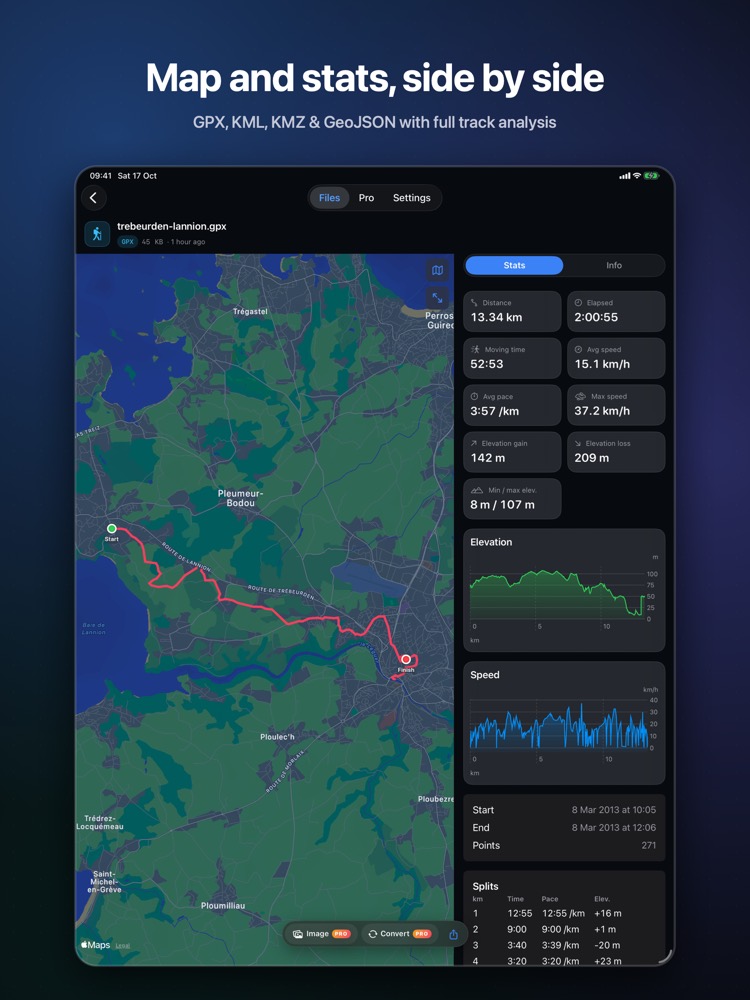
What you see with OmniFile Studio
- check_circlePlacemarks, paths and polygons with their colours and folders
- check_circleKMZ opened directly, no unzipping
- check_circleApple Maps: Standard, Satellite, Hybrid, 3D terrain
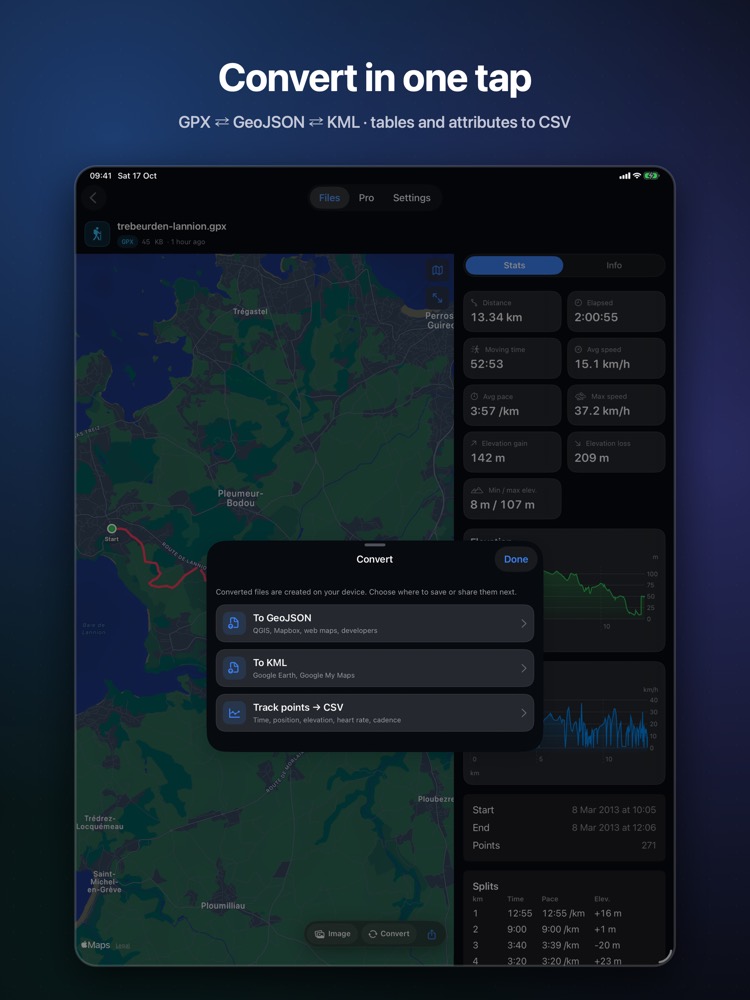
- check_circleConvert KML to GPX or GeoJSON (Pro)
How to open KML / KMZ files on your iPhone & iPad
-
1
Install OmniFile Studio
Get it free from the App Store on your iPhone or iPad.
-
2
Open or share the file
Tap the file in Files, or use the share sheet in Mail, WhatsApp, Safari or AirDrop and pick Quick View or Open in OmniFile Studio.
-
3
Explore it
Your KML / KMZ file opens in a dedicated viewer, read entirely on your device.
lock Files are read on your device and never uploaded. No accounts, no analytics, no tracking.
Questions
How do I open a KMZ file on my iPhone?
Install OmniFile Studio and tap the KMZ in Files, or share it to the app. Quick Look previews KMZ directly too.
Do I need Google Earth?
No. OmniFile Studio draws KML and KMZ on Apple Maps.
On a Mac?
Use GIS Quick Viewer to preview KML and KMZ in Finder.