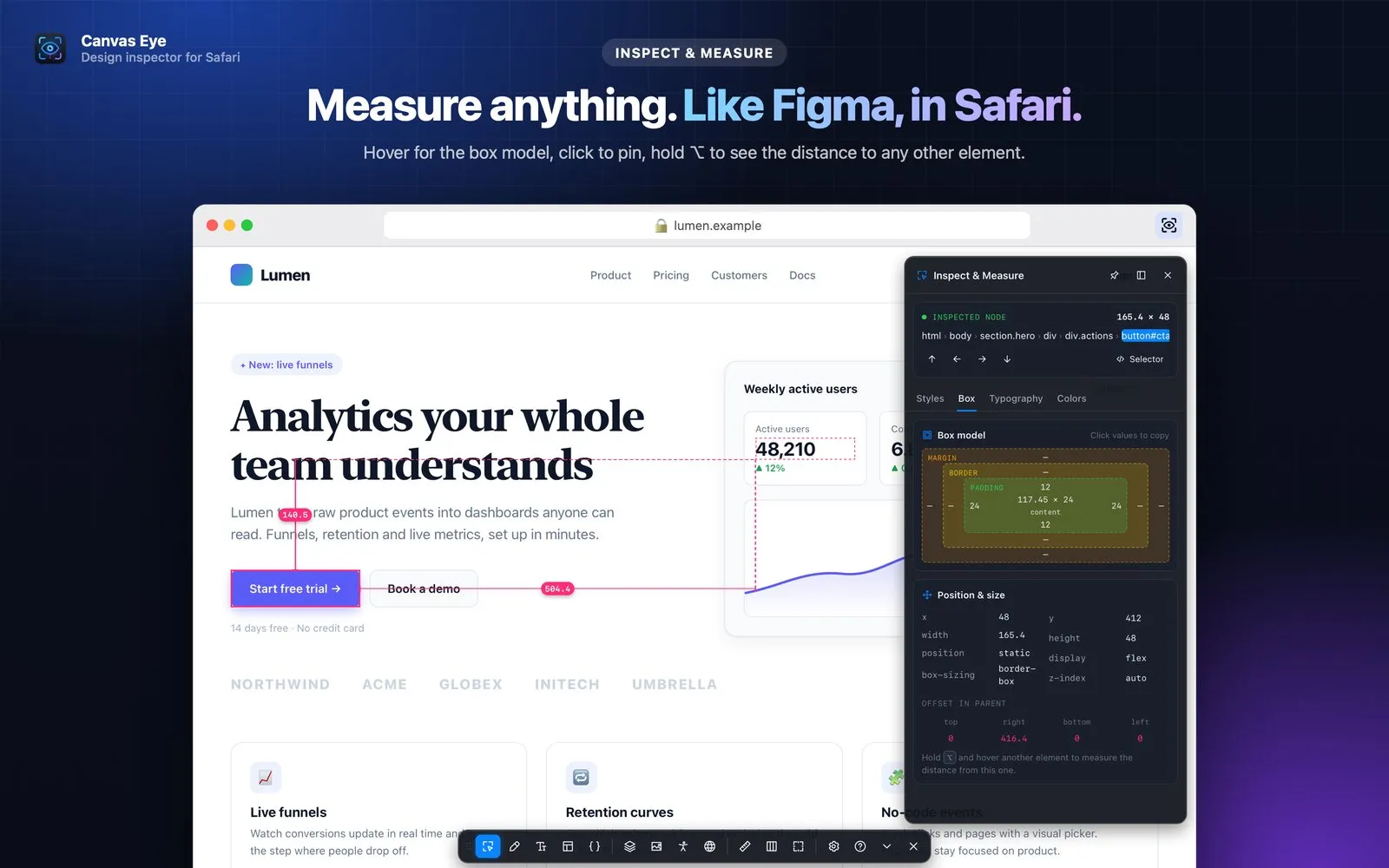
Canvas Eye
Design inspector · Safari
Measure spacing, pick colors, identify fonts, copy clean CSS or Tailwind, export design tokens and check accessibility.
Six focused extensions that add what Safari is missing, from a full design inspector to one-click background removal. Everything runs on your Mac.
Design inspector · Safari
Measure spacing, pick colors, identify fonts, copy clean CSS or Tailwind, export design tokens and check accessibility.
Custom CSS per site · Safari
Write CSS once per site to hide banners, fix layouts, change fonts or force dark mode. Toggle it per site from the toolbar.
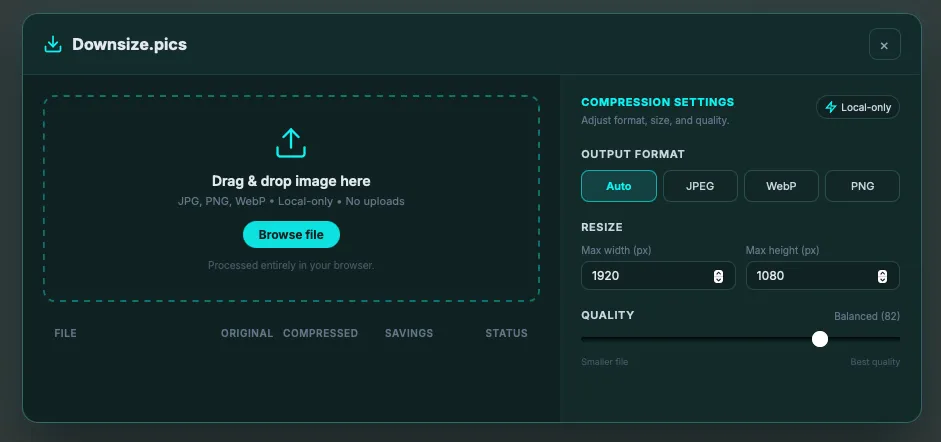
Smaller uploads · Safari & Chrome
Compresses images on your computer before any web form uploads them, typically around 80% smaller.

Background removal · Safari
Hover an image and click to get a transparent PNG at full resolution, processed on your Mac with WebGPU.
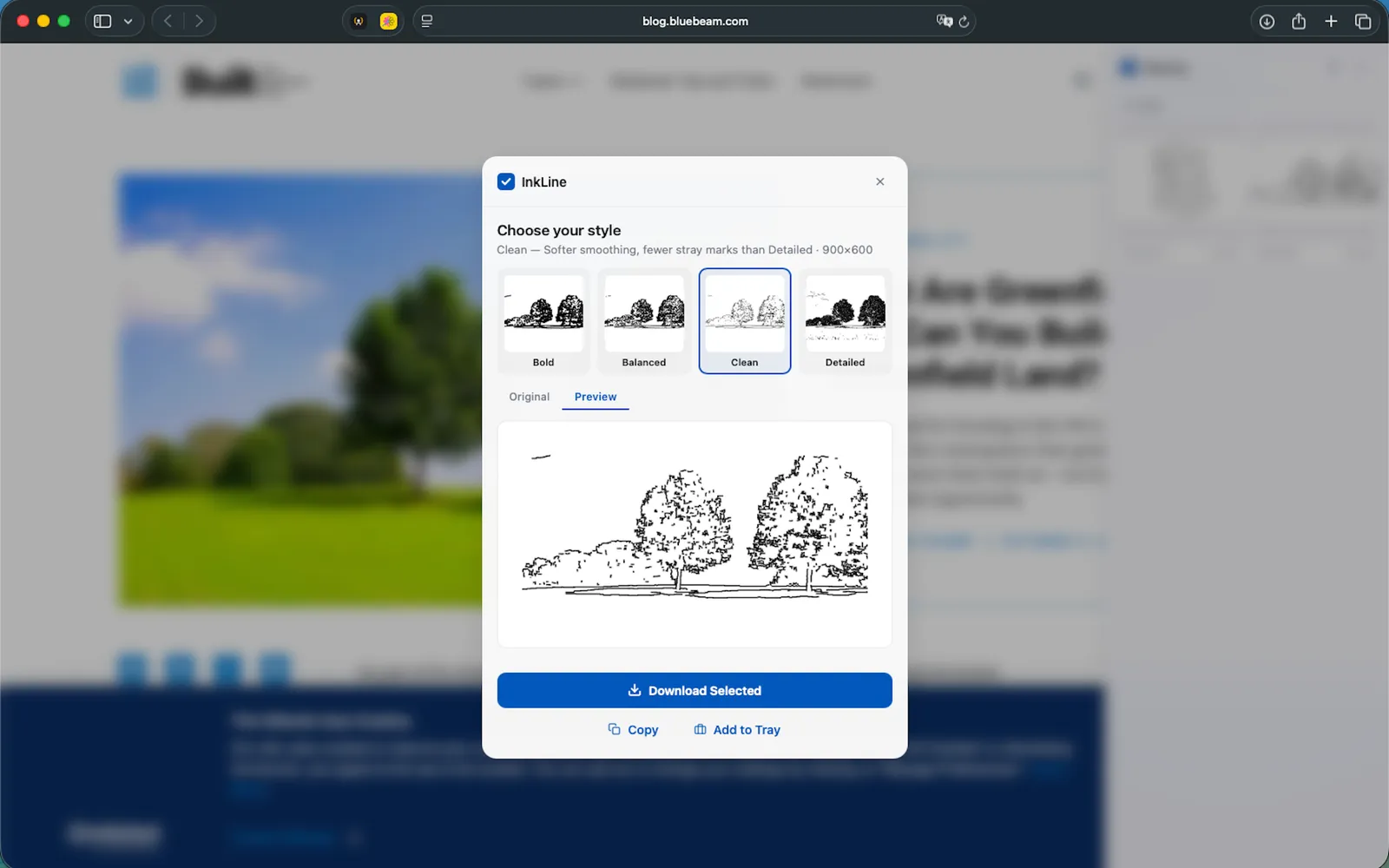
Line art and coloring pages · Safari & Chrome
Turn any web image into clean line art in four styles, ready to color or print.

Auto refresh and keyword alerts · Safari
Refresh tabs on a timer and watch pages for keywords or regular expressions, with optional auto-click.
Install it from the Mac App Store and open the app once. Then open Safari › Settings › Extensions, tick the extension, and allow it on the websites where you want to use it.
No. Canvas Eye, Quitala and InkLine process pages and images on your Mac, Compress & Upload compresses images inside your browser, and My Styles keeps your CSS on your device.
Yes. Compress & Upload and InkLine are also available on the Chrome Web Store.